Use case: Hospital
Talking Buttons for hospital communication
Hospital communication can become difficult very quickly. People may be tired, in pain, anxious, recovering from procedures, dealing with aphasia or temporary speech loss, or simply overwhelmed by a fast clinical environment. In those moments, even basic requests can become hard to express.
Talking Buttons can help by placing essential phrases and choices on a clear board: pain, thirst, toilet, help, stop, again, family contact, medication questions, or short symptom descriptions. It gives patients and clinical staff a simpler way to exchange practical information.
Why hospital use is different
Hospital settings need very direct communication
Unlike a general daily routine, hospital communication often happens under time pressure. A patient may need to answer quickly, ask for help, describe discomfort, or signal uncertainty. The words do not need to be perfect. They need to be available fast.
That is why hospital boards should focus on short, essential messages rather than broad vocabulary. The most useful phrases are often functional: yes, no, pain here, more pain, thirsty, toilet, cold, warm, family, nurse, rest, medication, and simple questions.
- Pain, discomfort, and symptom communication
- Basic care needs such as toilet, water, rest, or position changes
- Short yes-no answers during questions and checks
- Orientation during stressful or unfamiliar care moments
Why Talking Buttons fits
A phone or tablet board can stay close at hand
Talking Buttons works well in hospital use cases because it can stay simple and mobile. A board can be prepared in advance, adapted quickly, and kept available on the device the person already uses or has nearby. The offline-first setup is also useful in environments where connectivity is inconsistent or should not be required.
The app can support more than one board, so a patient or family can keep separate screens for pain, basic needs, questions for staff, and recovery routines. That helps reduce clutter while keeping important phrases close.
- Large speaking buttons for clear requests
- Multiple boards for pain, care, and orientation
- Offline use after installation
- Useful before admission, during stay, and in recovery
Board ideas
Helpful hospital board directions
A hospital communication setup does not need to be huge. A small number of focused boards is usually enough to improve communication. Start with the moments that create the most stress, then add more boards only if they clearly help.
For many people, the strongest first setup is a basic needs board, a pain board, and a short question board. If recovery is longer, it can also help to create boards for daily routines, visitors, medication, or rehabilitation tasks.
- Pain location and intensity board
- Water, toilet, rest, nurse, family, and help board
- Short question board for staff conversations
- Recovery and daily routine board for longer stays
Matching boards
These boards fit this use case especially well
The guides should lead straight to a usable board. The boards below already cover the context described here and can then be adjusted further inside the app.

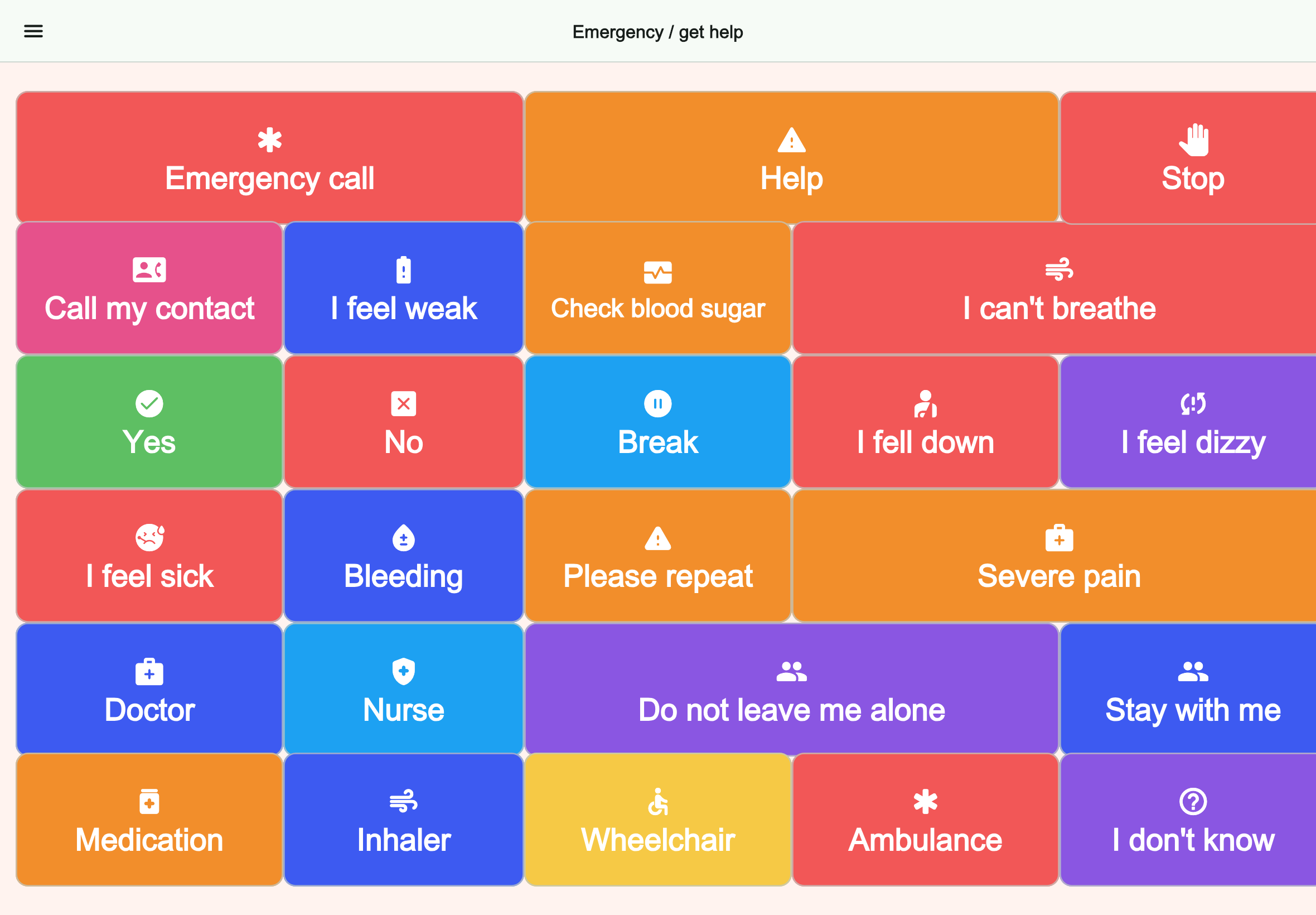
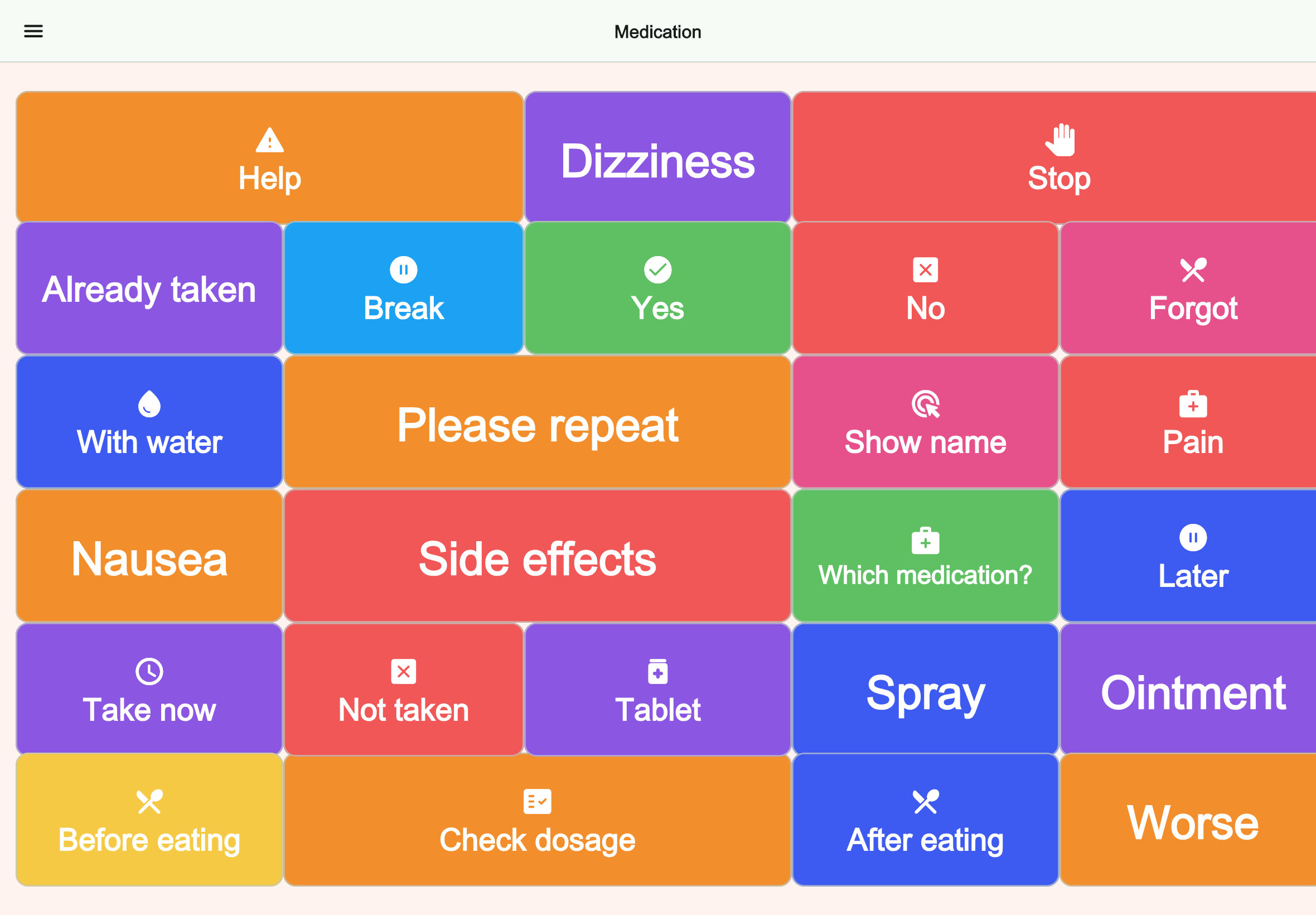
Health and care
Medication
Prioritizes taking medicine, side effects, timing, and medication support.
FAQ
Frequently asked questions
Can Talking Buttons help in hospital communication?
It can be useful for patients who need a simple way to express pain, basic needs, short answers, or practical questions during a hospital stay.
Does it need internet in hospital?
No. The core communication setup works offline after installation.
What are the best first hospital boards?
A pain board, a yes-no board, and a basic needs board are often the most useful starting point.
Next step
Prepare a simple hospital communication setup
Use Talking Buttons to create boards for pain, basic requests, and short hospital conversations before they become urgent.