School and communication support
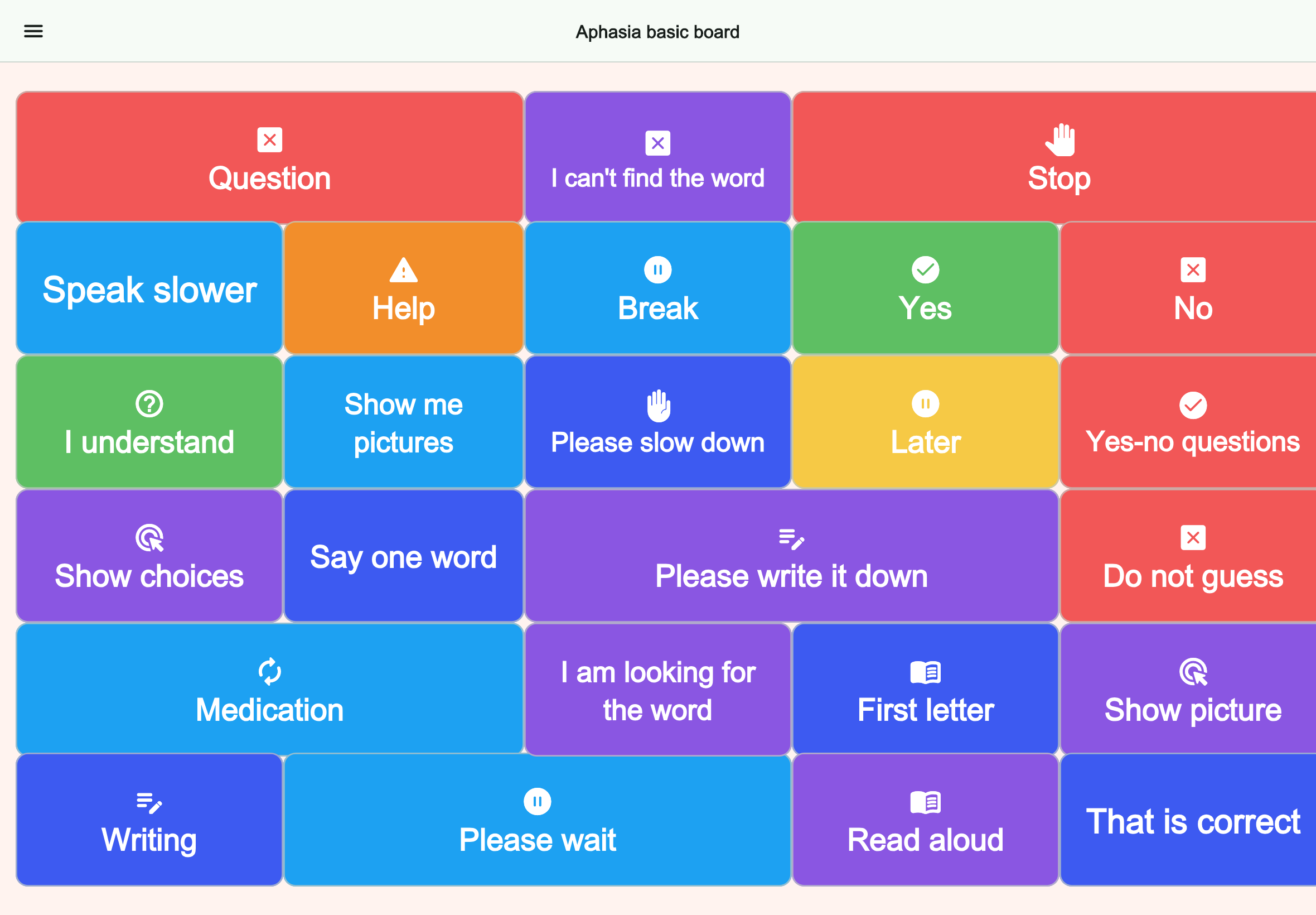
Aphasia basic board
Supports understanding, repetition, alternatives, and breaks in aphasia.
Audience: Aphasia
People searching for an aphasia communication app are often dealing with a very practical problem: speech may be slow, words may not come when needed, and everyday exchanges can suddenly feel exhausting. That can happen at home, during appointments, in hospital, in rehabilitation, or while handling routines like food, medication, or transport.
Talking Buttons can help by turning common phrases, yes-no choices, and essential needs into large, easy-to-tap boards. The goal is not to replace therapy or conversation. The goal is to reduce pressure in moments where speaking takes too long or does not work reliably enough.
Common situations
Aphasia can affect more than one type of communication moment. Some people mainly need support for short practical requests. Others need help during stressful situations, when fatigue is high, or when a listener does not know how to slow down and wait. That is why a simple communication board can be useful even if someone can still speak part of the time.
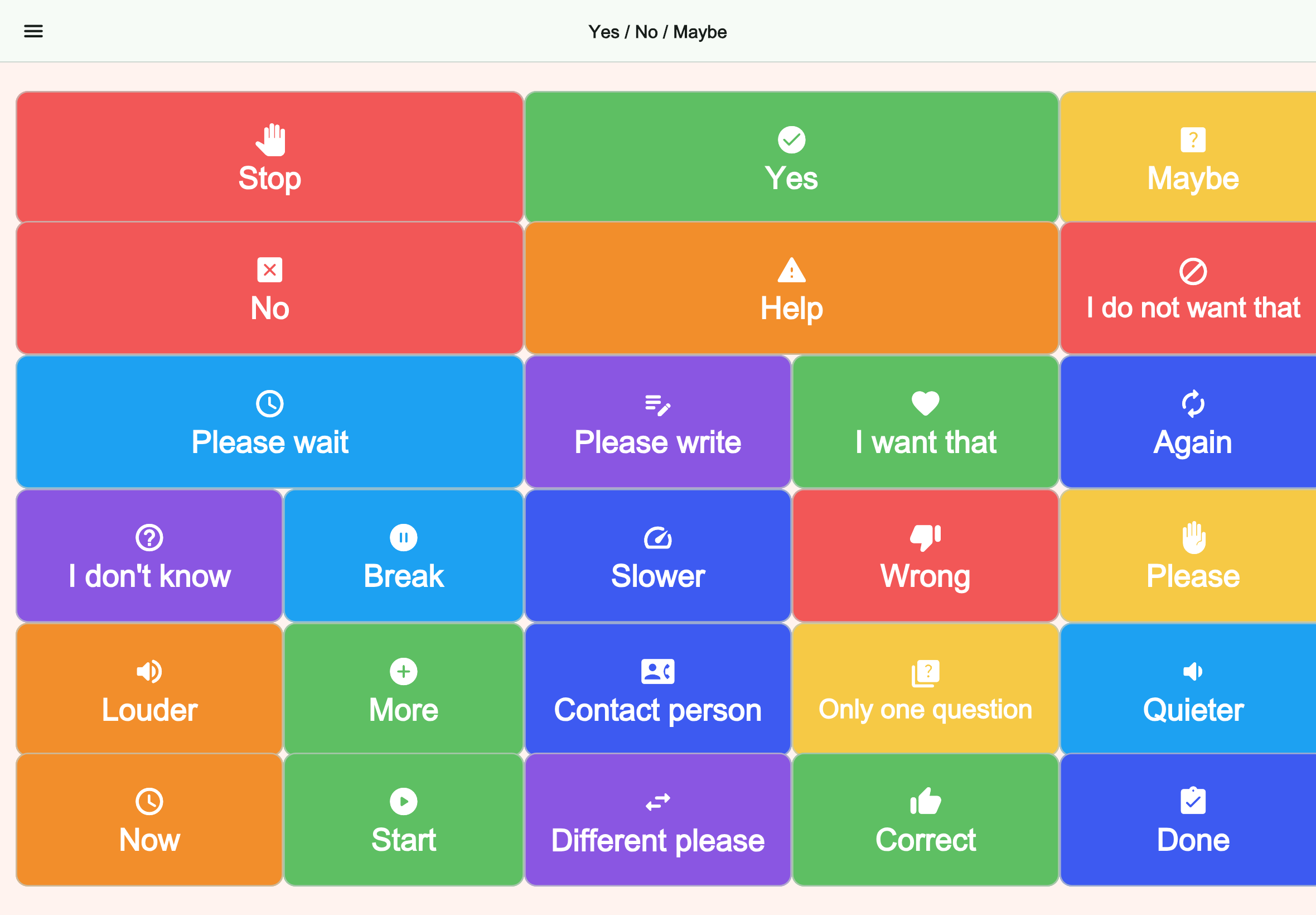
In many cases, the most helpful setup is not a giant system with too many choices. It is a small collection of boards for repeated situations. That can include yes-no, pain, toilet, food and drink, medication, rest, family names, transport, or key phrases for appointments.
Why Talking Buttons fits
Talking Buttons works well when the main need is direct, repeatable communication. Large buttons, clear labels, and device speech output can make it easier to communicate needs before frustration builds. The app also works offline after installation, which matters in clinics, on the go, or in low-connectivity places.
Because boards can be customized, you can keep the layout simple. That matters for aphasia support. Too much visual complexity can slow communication down. A smaller board with the most important words and phrases is often more useful than a broad, cluttered screen.
Board ideas
If you are setting up Talking Buttons for aphasia, start with the situations that repeat most often. A strong first version usually focuses on one or two practical moments rather than trying to cover every possible phrase immediately.
You can begin with a small hospital or doctor board, a basic needs board, and a pain board. Later, you can add family communication, travel support, rehabilitation phrases, or more specific routines.
Matching boards
The guides should lead straight to a usable board. The boards below already cover the context described here and can then be adjusted further inside the app.
School and communication support
Supports understanding, repetition, alternatives, and breaks in aphasia.
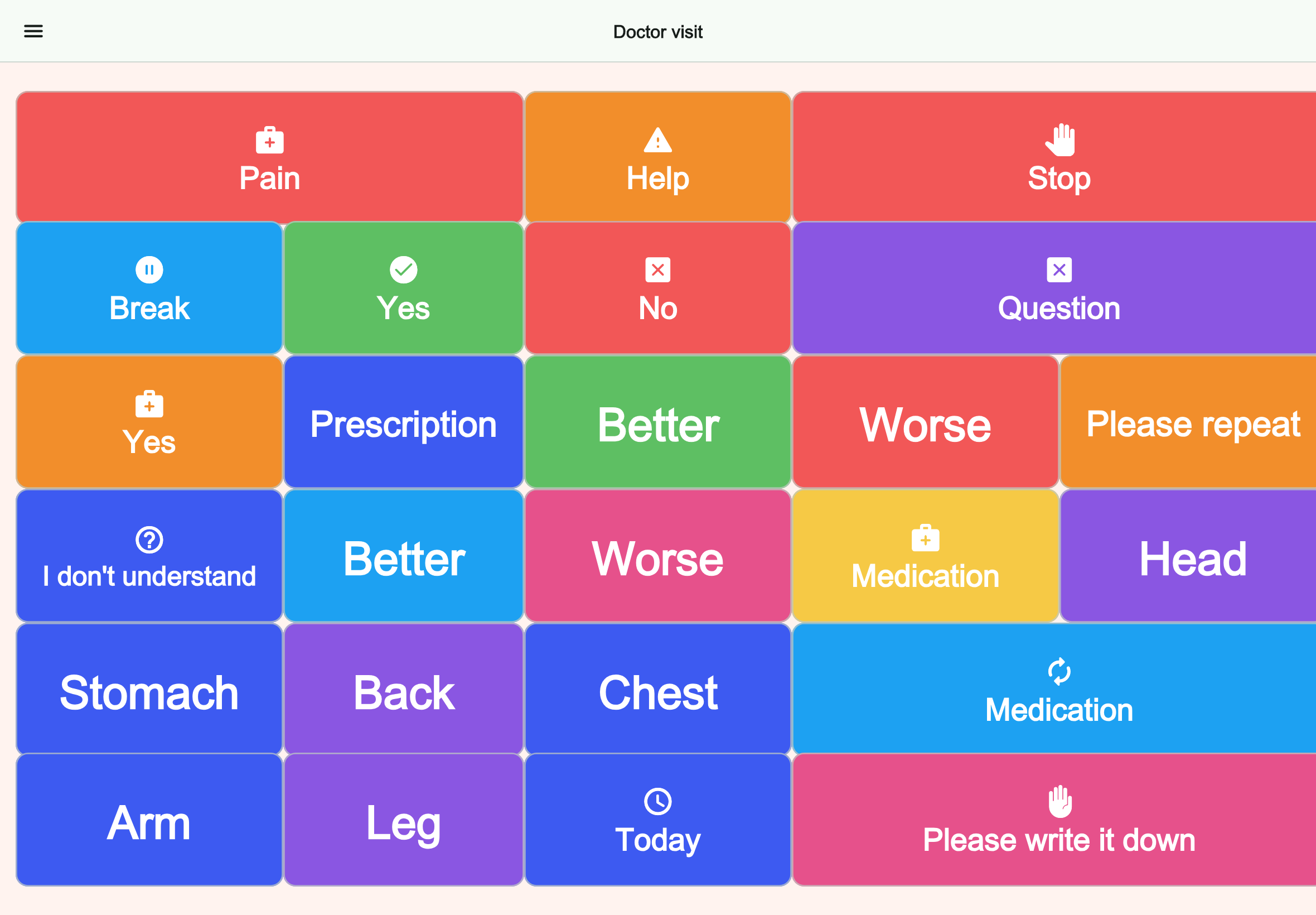
Health and care
Clarifies symptoms, progress, understanding, and prescriptions at the doctor.

FAQ
It can be useful when someone needs quick, repeatable communication support for everyday situations such as pain, food, appointments, rest, or basic requests.
Yes. The core communication experience works offline after installation, which can be helpful in hospital, rehabilitation, or when traveling.
A practical starting point is usually a yes-no board, a basic needs board, and a pain or appointment board. That keeps the setup focused and useful from day one.
Next step
Open Talking Buttons to create simple boards for appointments, hospital routines, pain, and everyday needs.