School and communication support
School: class
Clarifies help, understanding, task status, and learning areas in class.
Use case: School
School communication is not one single task. It includes classroom participation, asking for help, answering simple questions, managing transitions, requesting a break, joining routines, handling lunch, and communicating with support staff. For students who do not always use speech, these moments can add up quickly.
Talking Buttons can support school communication with simple boards that match the rhythm of the day. That can reduce stress during class, make requests easier to express, and give students a more predictable way to participate.
School situations
At school, communication often needs to be quick and contextual. A student may need help now, a break now, a different seat now, or a way to answer a simple question without waiting for a longer communication setup. In those moments, a focused board is often more useful than a broad one.
School also includes repeated transitions: class change, lunch, sensory breaks, transport, homework, therapy sessions, and social moments. Boards that match these routines can make the whole day feel more manageable.
Why Talking Buttons fits
Talking Buttons can work well in school because the boards can stay small and situation-specific. Instead of one large screen for everything, a student can have one board for class participation, one for break requests, one for lunch, and one for transport or pickup routines.
The app also supports different visual styles. That helps when a student responds better to text, icons, photos, or a combination. Teachers and families can prepare the boards ahead of time and then refine them as routines become clearer.
Board ideas
The best school boards are rarely abstract. They reflect the student’s actual schedule and repeated classroom moments. A board for asking to go to the toilet or to take a break may be far more useful than a broad topic board at the beginning.
As the setup matures, it can include academic participation, feelings, preferred tools, sensory needs, friendship or play, and after-school routines.
Matching boards
The guides should lead straight to a usable board. The boards below already cover the context described here and can then be adjusted further inside the app.
School and communication support
Clarifies help, understanding, task status, and learning areas in class.
School and communication support
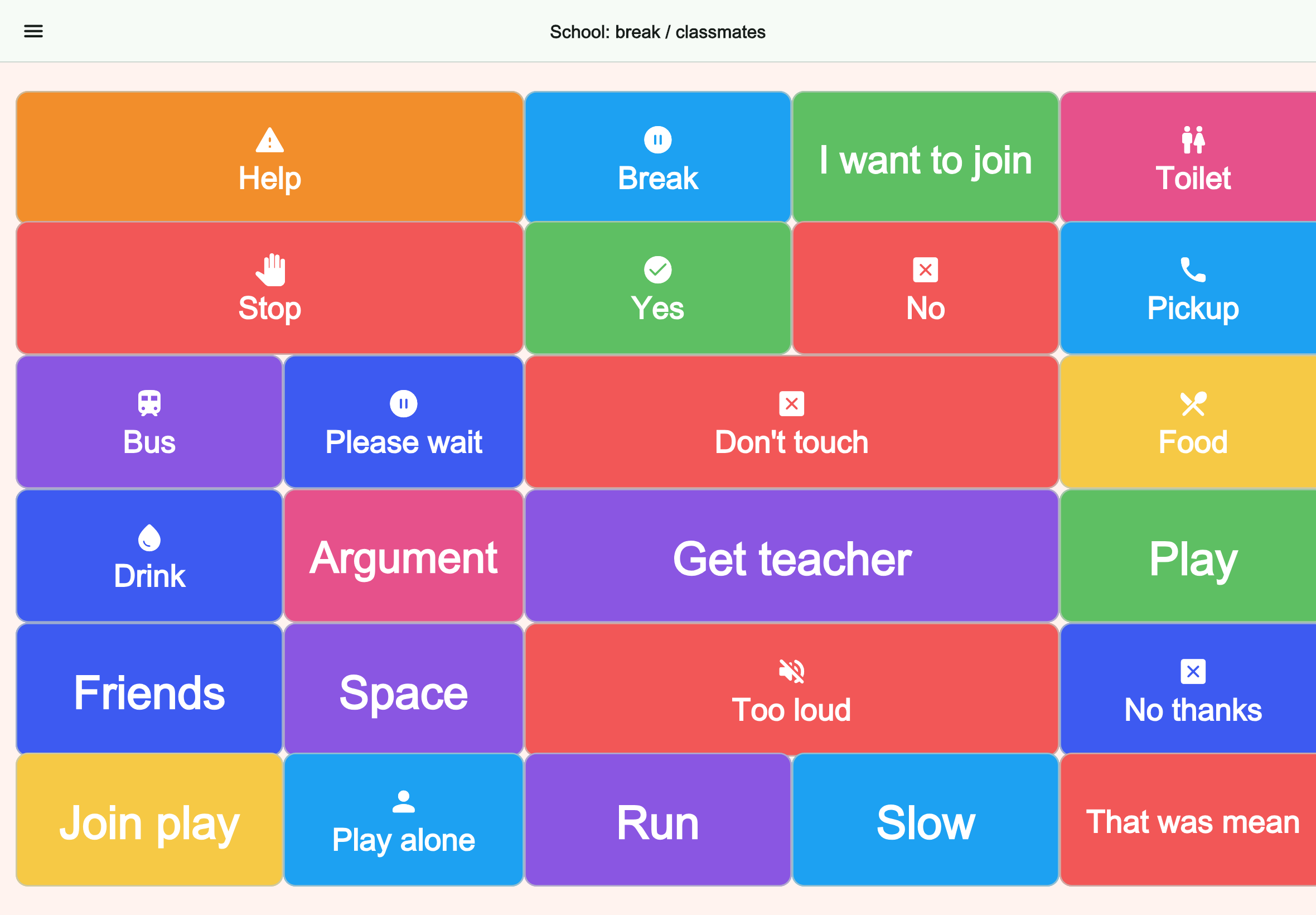
Helps with play, boundaries, noise, and getting help during school break.
School and communication support
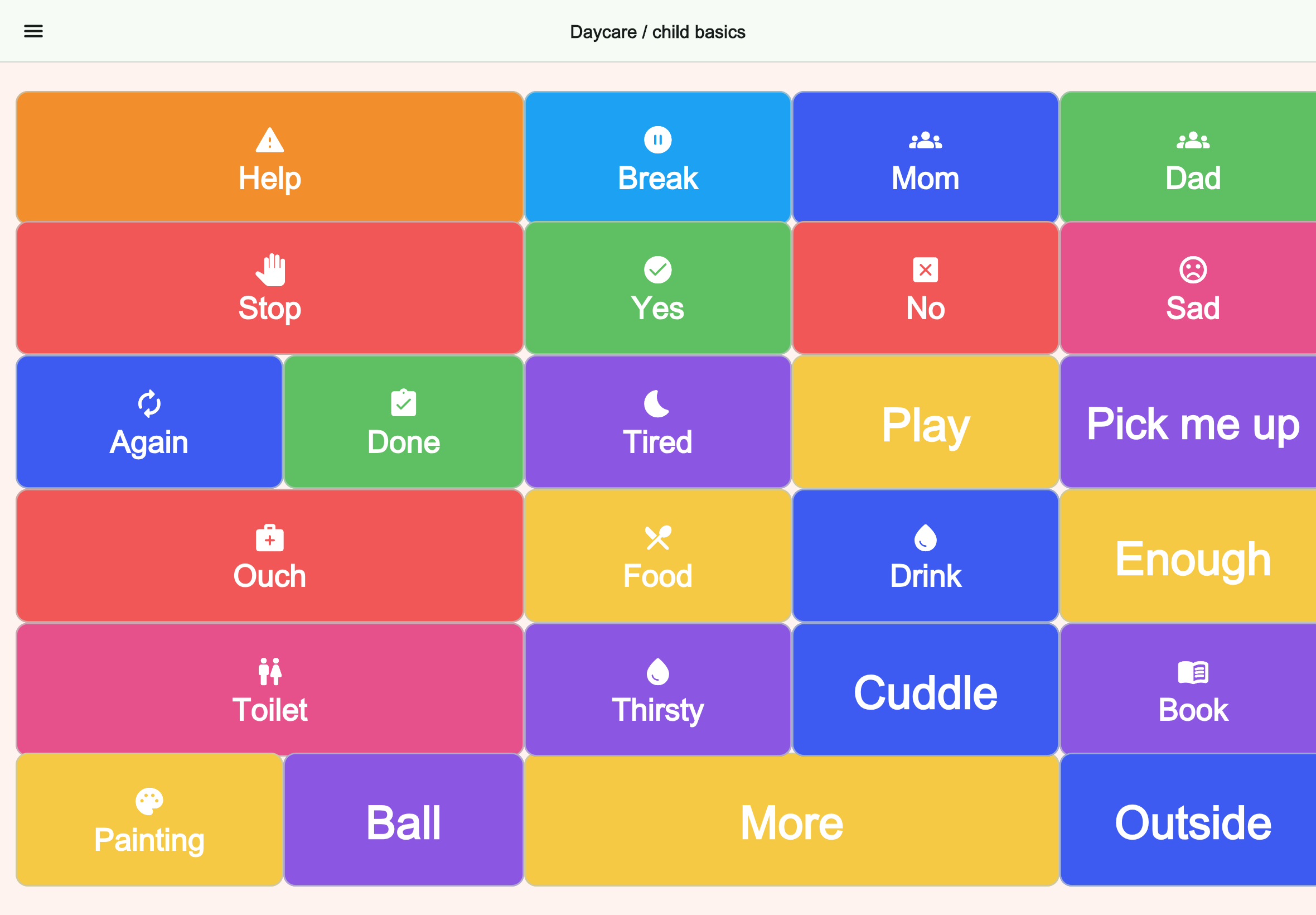
Puts help, caregivers, needs, and safety first for young children.
School and communication support
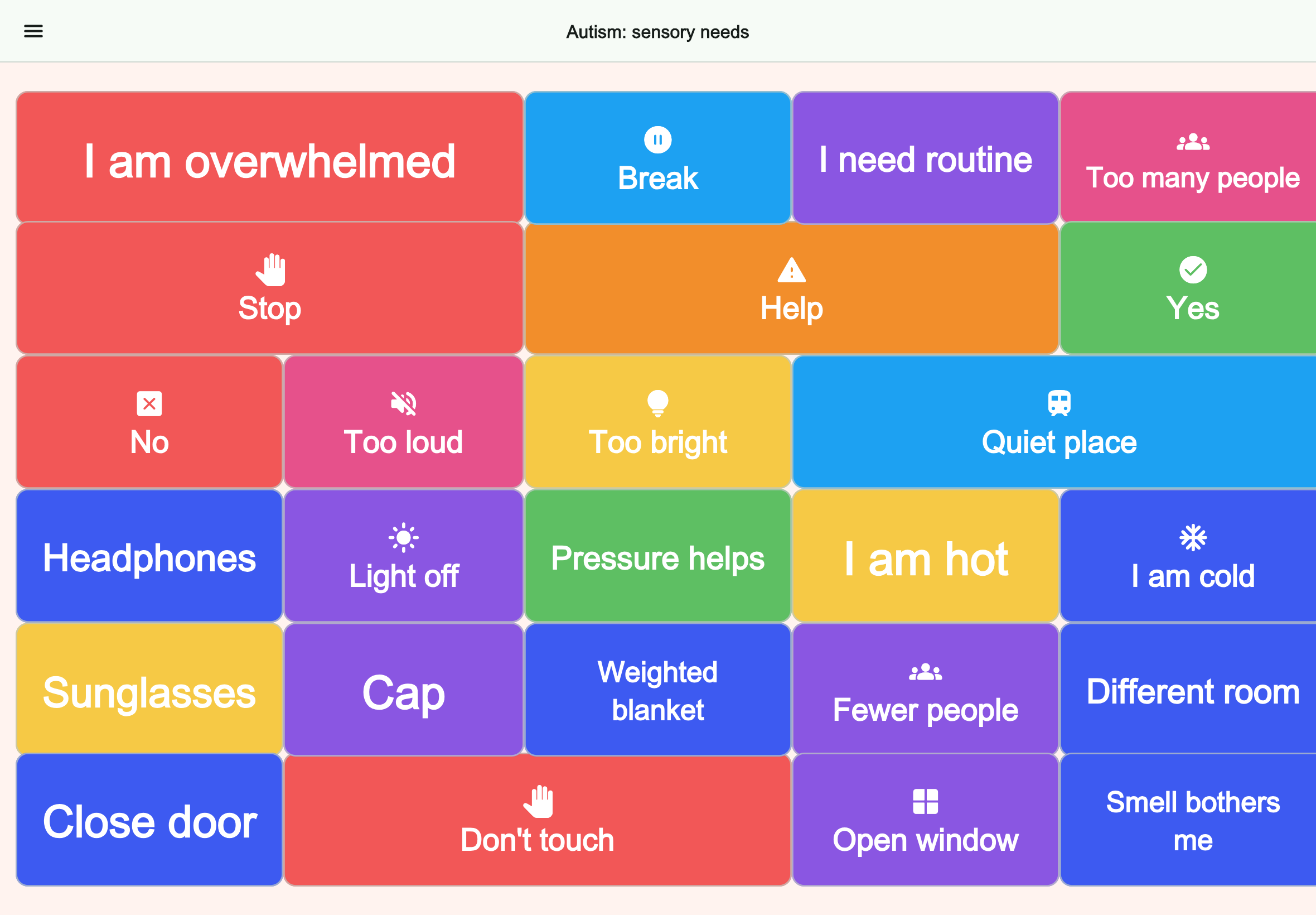
Makes overwhelm, retreat, and sensory adjustments visible quickly.
FAQ
Yes. It can support classroom requests, participation, transitions, lunch routines, and communication with staff.
Usually not. Smaller boards for class, break, lunch, and transport are often easier to use.
Yes. Boards can also be useful for transport, after-school care, therapy, and pickup routines.
Next step
Create Talking Buttons boards for classroom participation, breaks, lunch, transitions, and support requests.